
YOUR STICKER PACK COLLECTION
Your sticker packs.
Saved for later.
The inside jokes, the TikTok finds, the pet with the attitude. Stash brings your saved sticker packs together in ZipZap, ready to add to WhatsApp again.
Download ZipZap for iPhone ↗Free to download · In-app purchases · Requires WhatsApp for export
STEP BY STEP
How it works
- 01
Create a pack you love
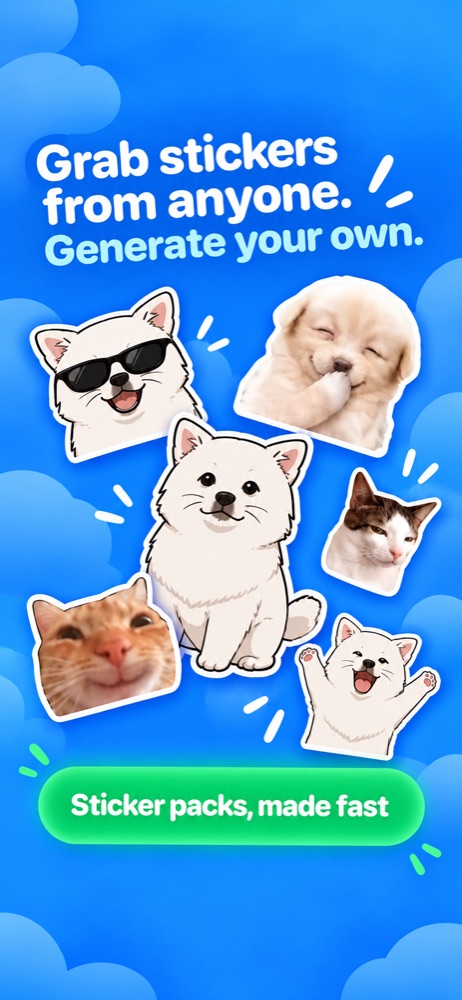
Bring stickers into Grabs from TikTok, or make animated pet stickers in Packs. Choose the reactions you want and add your pack to WhatsApp.
- 02
Find it in Stash
Open Stash in ZipZap to see your saved packs. Keep the packs you’ve made together instead of starting from scratch each time you want a favorite reaction.
- 03
Add it to WhatsApp again
Open a saved pack and use Add to WhatsApp when you want to add it again. WhatsApp needs to be installed on your iPhone to complete the export.
A home for the packs you make
Grabs is where TikTok stickers arrive. Packs is where you create your pet’s animated reactions. Stash is where you return to the packs you’ve already saved. That makes it easier to find a collection you made earlier and use it again.
Keep a collection for every conversation
Make separate packs for your pet, your favorite reactions, or the jokes that only your friends understand. When building a WhatsApp pack from Grabs, select 3 to 30 stickers and leave out the ones you don’t need. Return to Stash when you want to add a saved collection again.
GOOD TO KNOW
Your questions,
answered.
What is the difference between Grabs and Stash?
Grabs shows stickers sent from your linked TikTok account. Stash keeps saved packs, including the packs you’ve added to WhatsApp.
Can I add a saved pack to WhatsApp again?
Yes. Open your saved pack in Stash and use Add to WhatsApp. You’ll need WhatsApp installed on the same iPhone.
Is Stash a cloud backup?
Treat Stash as your saved collection in the app, not a cloud backup. Pet packs are saved on your device, so don’t rely on Stash to restore them after deleting the app or switching phones.
MAKE YOUR NEXT REACTION PERSONAL